
If Phone Photos Are Sideways, Batch Rotate Them Instead of Opening Each One
Rotate JPG, PNG and WebP images with DocCrunch. Batch fix sideways photos, scanned images and product shots locally in your browser, no upload needed.
Phone photos have a small but annoying habit: they look upright on the phone, then appear sideways on your computer or website.
Sometimes it is a product photo. Sometimes it is a scanned receipt. Sometimes only a few images in a large batch are wrong. Fixing one photo manually is fine. Fixing dozens is tedious.
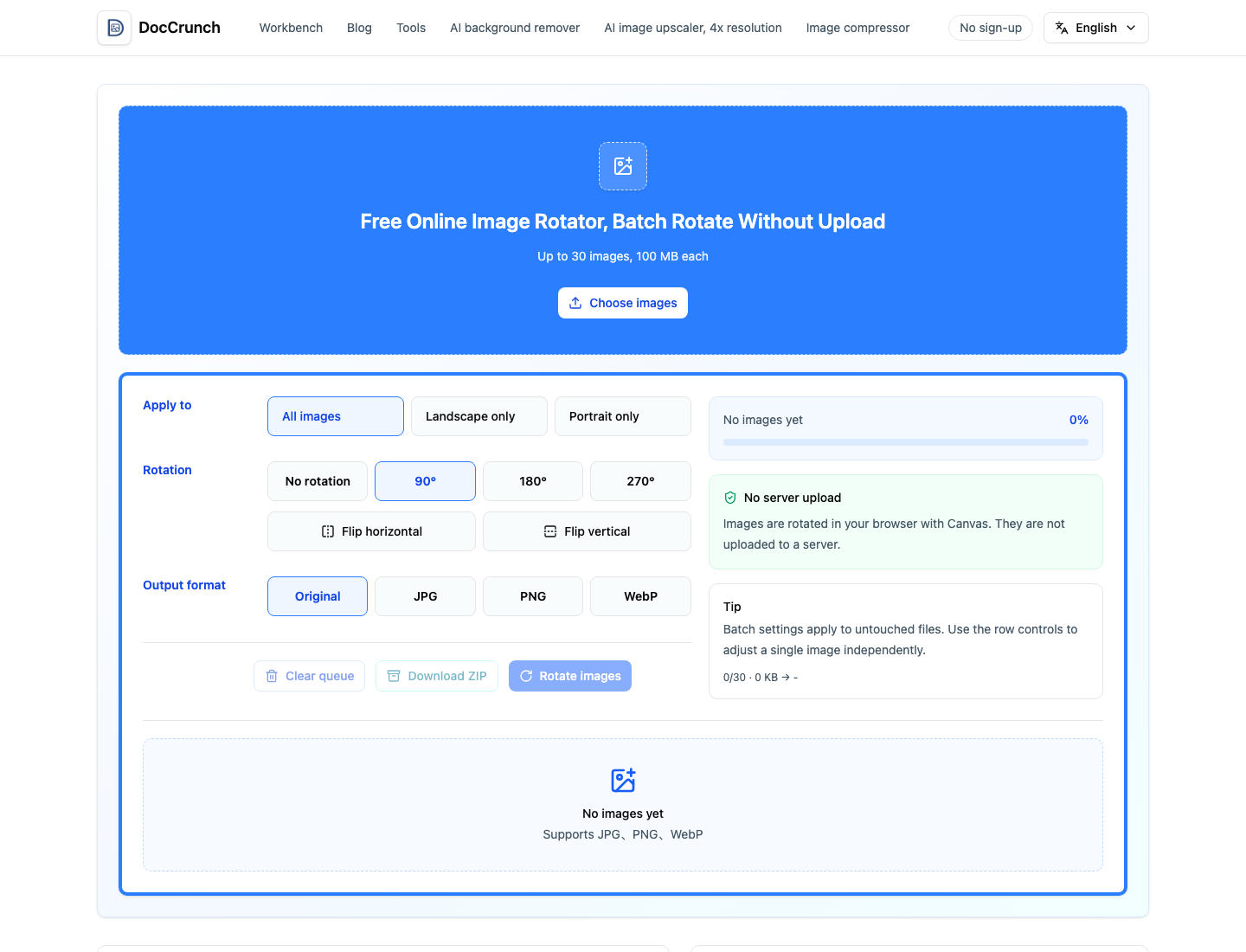
Use DocCrunch Image Rotate. Drop in images, choose 90, 180 or 270 degrees, or flip horizontally and vertically. You can apply the same rotation to a batch, then adjust individual files if needed.
Images that often need rotation
- Travel photos shot in mixed portrait and landscape orientation.
- Product photos that change direction after import.
- Scanned receipts, IDs and documents.
- Social media covers and profile assets.
After rotation, use Image Resize to make dimensions consistent. If the images need to upload quickly, run Image Compress before sharing.
Batch work saves time
One wrong image is easy. Twenty wrong images are not.
DocCrunch lets you add multiple images and rotate them together. If one file needs a different direction, adjust it separately. That is much faster than opening, saving and closing every image one by one.
Local rotation keeps images on your device
Photos may include faces, IDs, product samples or unpublished materials. DocCrunch rotates images in the browser, so the original files do not need to upload to a server.
Fix sideways images here: Image Rotate.
Recommended DocCrunch tools
These tools run locally in the browser whenever possible, so files do not need to be uploaded to a server.
FAQ
Why does file size change after rotation?
The image is re-encoded after rotation, so file size may increase or decrease. It does not mean the image was uploaded.
Can I rotate many photos at once?
Yes. DocCrunch supports batch rotation and individual adjustments.
Which formats are supported?
Common JPG, PNG and WebP images are supported.
Do images upload to a server?
No. Rotation runs locally in your browser.
Batch rotate images online
Drop in images, choose a rotation angle and export files in the right direction.
Rotate Images