
Why is resizing one image still so annoying?
Resize product photos, avatars and upload images online with DocCrunch. Batch resize JPG, PNG and WebP locally in your browser without installing heavy software.
A friend asked me to upload product photos to a second-hand marketplace. The site said: one file must be under 3 MB, and the long edge must be under 1200 pixels. The photo I had was more than 5000 pixels wide and 8 MB. Rejected instantly.
The old routine started: open a heavy editor, wait, find Image Size, stare at settings, export, answer another dialog about color profiles. Five minutes gone for one image, and I had more than ten.
Most people do not need professional software for this
Daily resizing usually means three things: the image is too large to upload, a platform wants an exact size like 800 x 800, or many images need one consistent size.
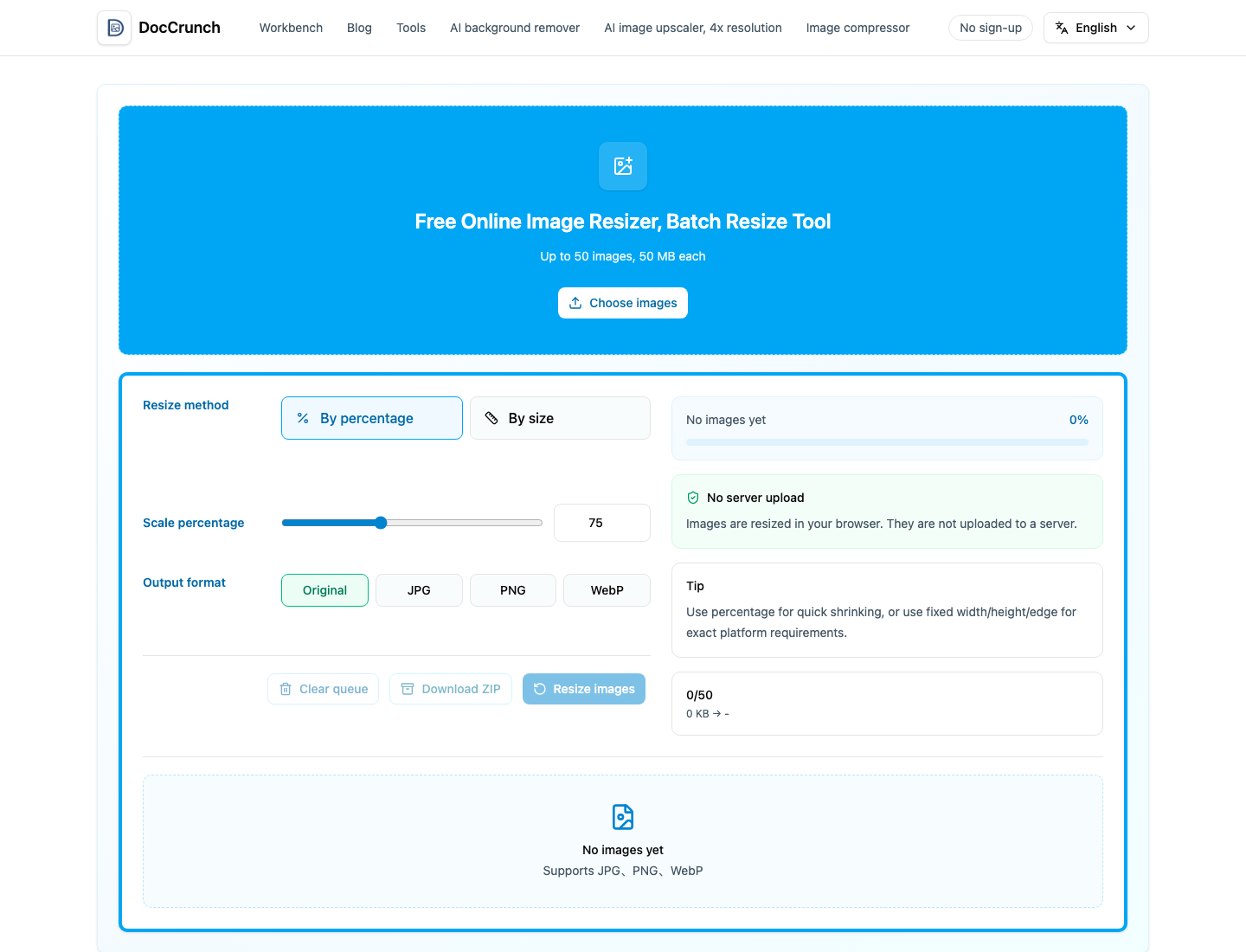
That does not require a full design app. Open Image Resize, drop in JPG, PNG or WebP files, choose percentage or exact pixels, and process.
Batch is the real time saver
One image is easy anywhere. Ten images are where the pain starts. With a batch resizer, you drop them all in, set the rule once and download the results together.
DocCrunch also processes images locally in the browser. Private photos, product drafts and screenshots do not need to leave your computer.
Use the right tool for the job
Professional editors are still great for retouching and design. But if you only need smaller dimensions for upload, a lightweight online tool is enough.
Use Image Resize, close the page when done, and move on with your day.
Recommended DocCrunch tools
These tools run locally in the browser whenever possible, so files do not need to be uploaded to a server.
FAQ
Do my images upload to a server?
No. DocCrunch Image Resize runs locally in your browser.
Can I resize many images at once?
Yes. You can batch process JPG, PNG and WebP with one rule.
Is it useful for platform upload limits?
Yes. Resize by percentage, exact dimensions, long edge or short edge.
Resize images online for free
Drop in images, set the size rule and export upload-ready files.
Open Image Resize