
Split a Photo Into a 3x3 Grid Online Without Cropping by Hand
Use DocCrunch to split JPG, PNG and WebP images into a 3x3 social grid, horizontal slices or custom rows and columns. Local browser processing, no server upload.
Some images work as a single post. Others look much stronger when split into a grid.
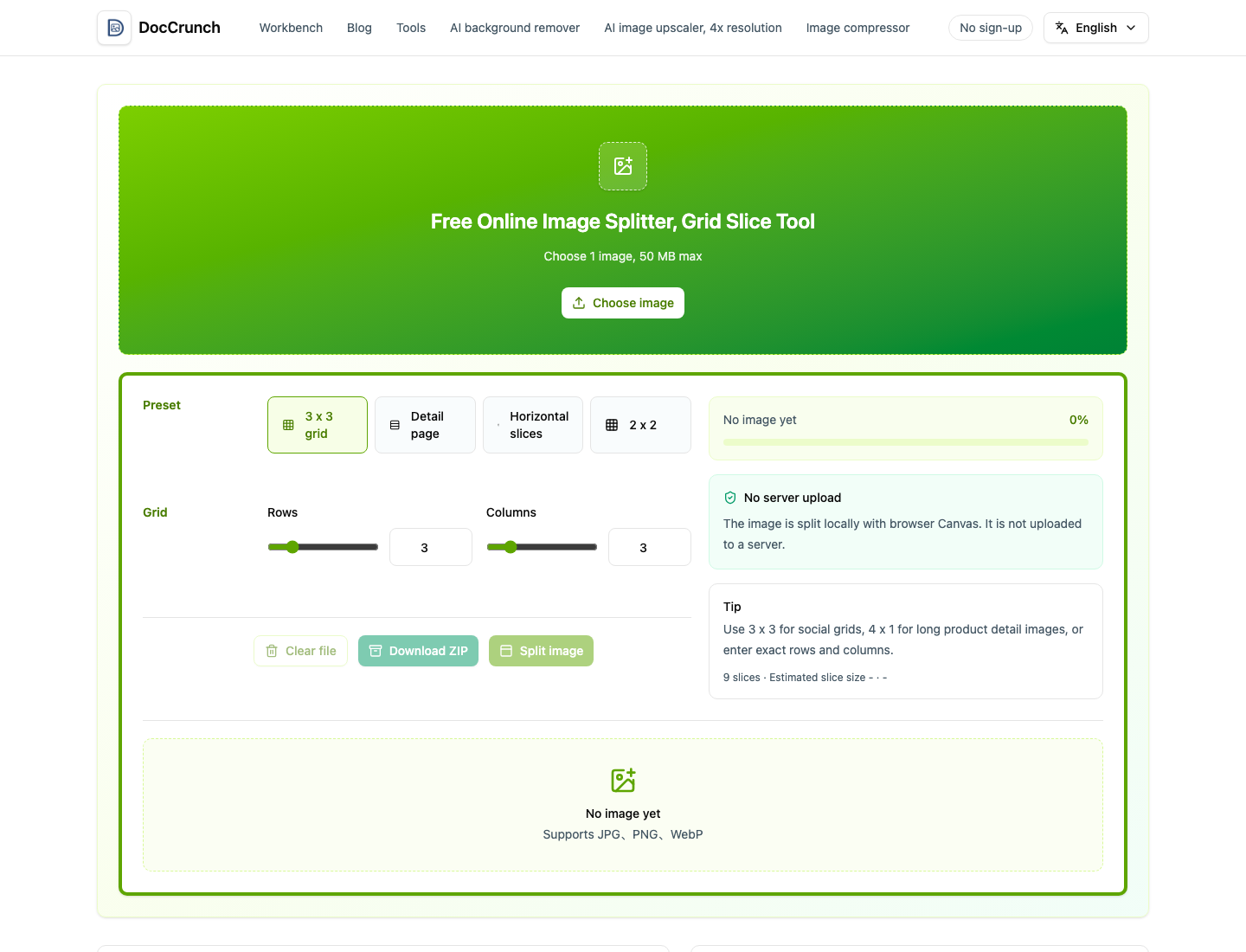
Manually cropping a 3x3 grid is annoying. One slice is off by a few pixels and the whole post looks uneven. Long product images have a similar problem: they are easier to upload and read when divided into smaller pieces.
Use DocCrunch Image Splitter. Drop in a JPG, PNG or WebP image, choose the 3x3 grid preset, or set custom rows and columns for horizontal slices and detail pages.
Good uses for image splitting
- 3x3 social media grids.
- Large poster or announcement images.
- Product detail images that need shorter sections.
- Course, event or portfolio visuals split into smaller files.
If the composition is not ready, use Image Crop first. If the source is too large, run Image Resize before splitting.
Local splitting keeps drafts private
Grid images are often personal photos, product launches, campaign posters or unpublished designs. DocCrunch splits the image in your browser, so the source file does not need to upload to a server.
Create a grid here: Image Splitter.
Recommended DocCrunch tools
These tools run locally in the browser whenever possible, so files do not need to be uploaded to a server.
FAQ
Can I split an image into a 3x3 grid?
Yes. Choose the 3x3 grid preset and DocCrunch exports 9 image slices.
Can I set custom rows and columns?
Yes. You can use presets or enter exact rows and columns for social posts, product detail images or layout assets.
How do I download the slices?
After processing, download a ZIP that contains all sliced images.
Are images uploaded to a server?
No. Splitting runs locally in your browser.
Split images online
Upload an image, choose 3x3 or custom rows and columns, then download every slice.
Split Image