
PDF Too Large to Email? Compress It Before You Upload
Compress large PDF files online with DocCrunch before email, forms or portals reject them. Free PDF compression, no sign-up, no server upload.
A PDF can be perfectly readable and still fail the moment you try to email it. The attachment limit is too small, the school portal refuses it, or a contract system says the file is over the maximum size.
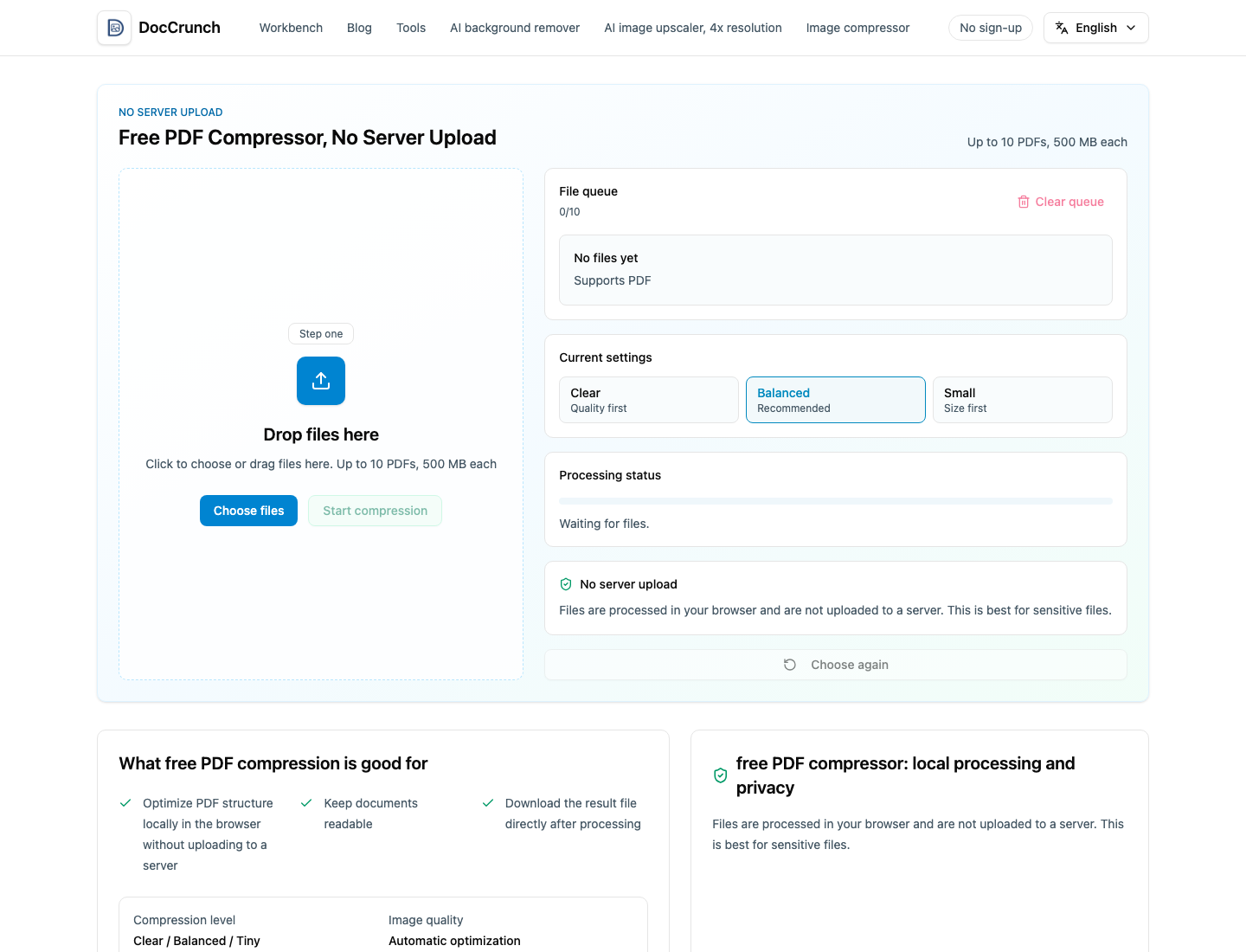
Before you start deleting useful pages or exporting screenshots, try DocCrunch PDF Compress. Drop the PDF into the page, choose a mode, and download a smaller version.
Pick the mode by situation
Use Balanced first for most documents. It keeps the file readable while cutting unnecessary weight. Use Clear when the PDF contains small text, tables or scanned pages that must stay sharp. Use Tiny when the upload limit is strict and file size matters more than perfect detail.
Clean first, then compress
If the PDF contains blank pages, covers, ads or duplicate scans, remove them with Delete PDF Pages before compression. If you only need a few pages, PDF Split can turn the document into page files so you do not send the whole thing.
Local processing helps with private files
DocCrunch processes the PDF in your browser. That matters for contracts, invoices, ID scans and internal reports because the file does not need to upload to a server.
Try it here: Compress PDF online.
Recommended DocCrunch tools
These tools run locally in the browser whenever possible, so files do not need to be uploaded to a server.
FAQ
Can I compress a PDF for email?
Yes. Use PDF Compress to reduce the file size before attaching it to email or uploading it to a portal.
Will the PDF upload to a server?
No. DocCrunch PDF compression runs locally in your browser.
Which compression mode should I choose?
Balanced is usually the best first choice. Use Clear for readability or Tiny when the upload limit is strict.
What if the PDF is still too large?
Delete unneeded pages first, or split the PDF and send only the pages the recipient needs.
Compress a PDF online
Drop in a PDF, choose a compression mode and download a smaller file.
Open PDF Compress