
Only Need a Few PDF Pages? Split the PDF First
Split a PDF into page files online with DocCrunch, then share only the pages you need. Free PDF splitter, no sign-up and no server upload.
Sending a whole PDF when someone only needs two pages is how files get messy. The recipient has to hunt for the right pages, and you may accidentally include notes, pricing or private information.
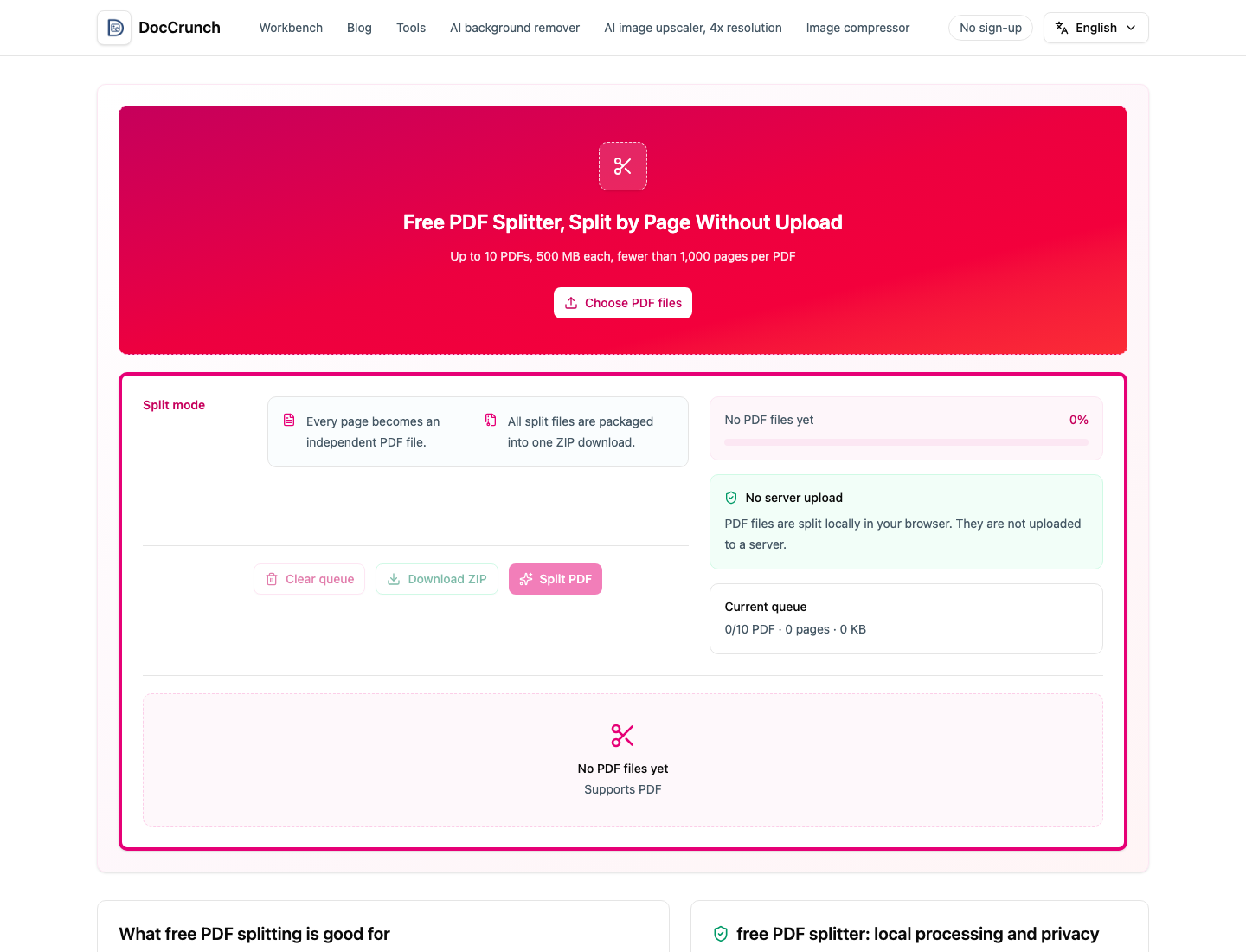
DocCrunch PDF Split makes this simpler. Drop in the PDF, split it, and download a ZIP where each page is its own PDF file. Then keep only the pages you actually need to send.
When splitting helps
Use it for contracts, invoices, scanned packets, class handouts and reports where only one section matters. It is also useful before archiving, because single-page files are easier to rename and organize.
Build a clean file afterward
If you want pages 2, 5 and 8 in one new PDF, split first, keep those page files, then combine them with PDF Merge. If you only need to remove a few pages from the original, Delete PDF Pages may be faster.
Local by default
The split happens in your browser, so the original PDF does not need to upload to a server. That matters when the document includes contracts, IDs, invoices or internal material.
Try it here: Split PDF online.
Recommended DocCrunch tools
These tools run locally in the browser whenever possible, so files do not need to be uploaded to a server.
FAQ
Can I split a PDF by page?
Yes. DocCrunch PDF Split exports each page as an independent PDF file.
Why is the result a ZIP file?
A PDF can contain many pages, so the split page files are packaged into one ZIP download.
Does the PDF upload to a server?
No. Splitting runs locally in your browser.
Can I make a new PDF from selected pages?
Yes. After splitting, keep the page files you need and combine them with PDF Merge.
Split PDF pages online
Drop in a PDF and download each page as a separate PDF file.
Open PDF Split