
I just want smaller images, not a surprise format change
Compress JPG, PNG and WebP images with DocCrunch while keeping the original format by default. Batch reduce file size locally in your browser and convert formats only when you choose to.
The annoying part of many online compressors is not the compression. It is the surprise afterwards.
You upload a PNG and download a JPG, so the transparent background is gone. You upload WebP and get PNG, so the file is suddenly bigger. You wanted smaller images, not an unplanned format conversion.
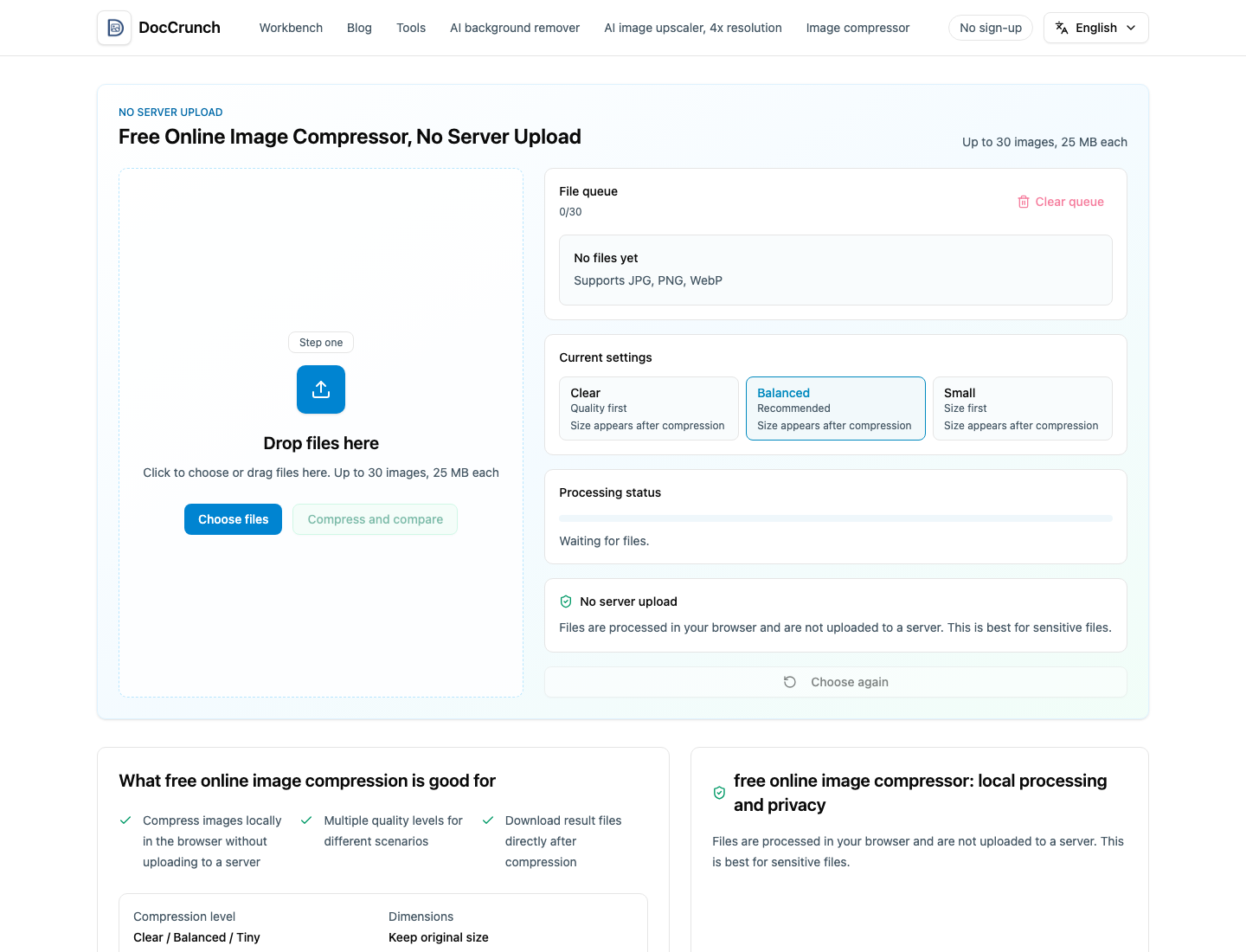
With DocCrunch Image Compressor, the default is easier to trust: JPG stays JPG, PNG stays PNG and WebP stays WebP. If you actually need conversion, use Image Format Converter on purpose.
The workflow I use
- Open Image Compressor.
- Drop in JPG, PNG or WebP files.
- Choose Clear, Balanced or Small.
- Compare original size and compressed size.
- Download one result or save the batch.
Balanced is usually the sweet spot for blog images, product pictures and social posts. Small is better when an email form or upload page has a strict size limit. Clear is the safer pick when details matter.
Why keeping the format matters
PNG is often used because it has transparency. WebP is often used because it is already optimized for the web. JPG is still the easiest format for photos and broad compatibility. Compression should reduce size first; conversion should be a separate decision.
A small privacy bonus
DocCrunch compresses images in the browser, so product photos, unreleased banners and private screenshots do not need to leave your device.
When the job is just “make this image smaller,” keep the format. Convert only when you mean it.
Recommended DocCrunch tools
These tools run locally in the browser whenever possible, so files do not need to be uploaded to a server.
FAQ
Will image compression change the file format?
No. DocCrunch keeps JPG, PNG and WebP in their original format by default during compression.
Will PNG transparency stay intact?
Yes. PNG input is exported as PNG by default, which helps preserve transparent backgrounds.
Are my images uploaded to a server?
No. Image compression runs locally in your browser.
What if compression does not make the file smaller?
DocCrunch avoids pointless larger outputs and can keep the original file result when it is already smaller.
Compress images and keep the format
Drop in JPG, PNG or WebP files, choose a compression level and download smaller results.
Open Image Compressor