
The right way to batch resize JPG, PNG and WebP images
Learn when to resize by percentage or exact dimensions, then batch resize JPG, PNG and WebP online without distortion or repeated manual work.
Many people still resize images one by one. That works for two files. It becomes painful with twenty.
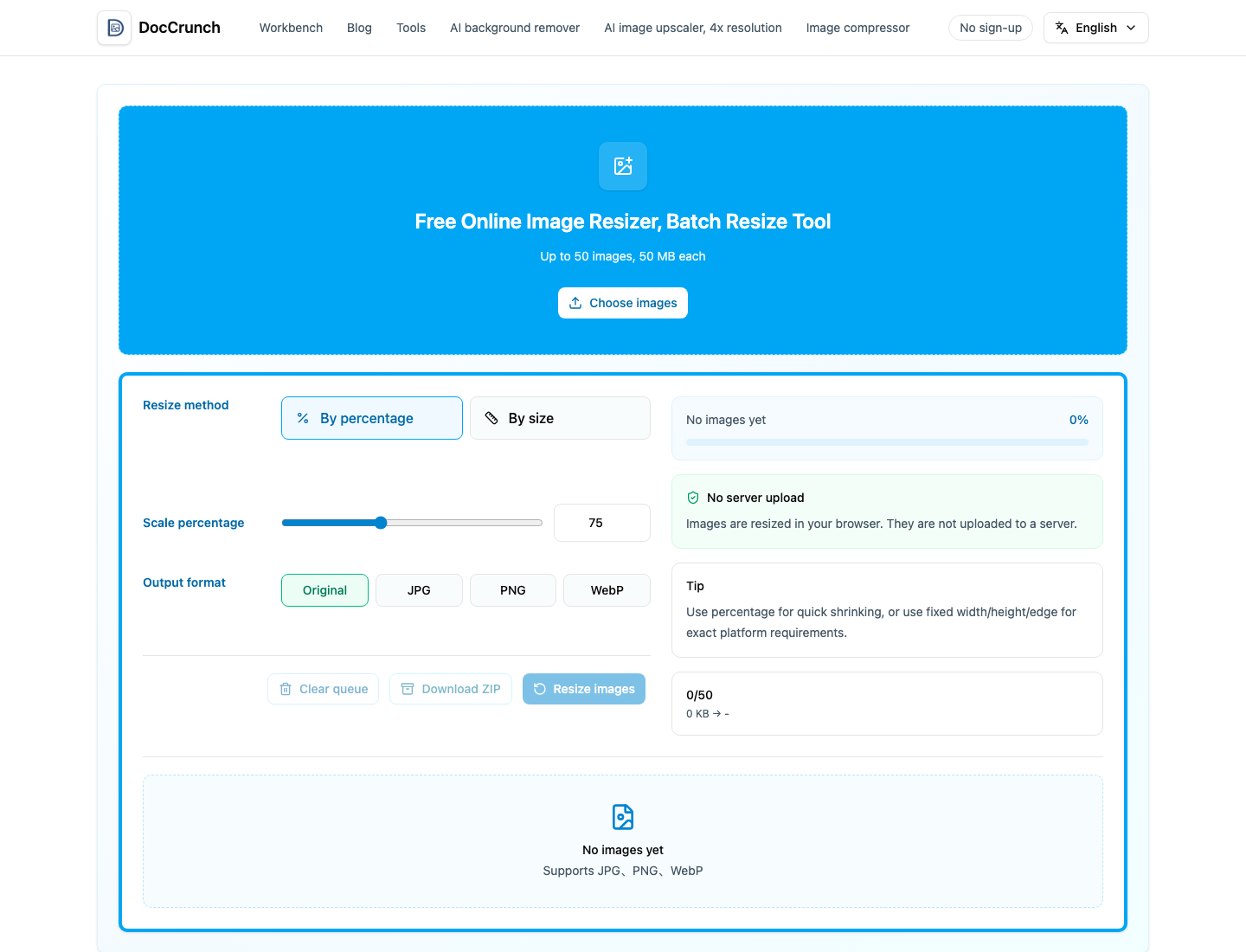
First decide: percentage or dimensions
Use percentage when the image is simply too large and you want it smaller without distortion. A 50 percent resize keeps width and height in proportion.
Use exact dimensions when a platform asks for a fixed size, such as 800 x 800 product images, 200 x 200 avatars or a specific banner width.
Mixing these up is how faces get stretched and logos become flat.
Useful size references
| Use | Common size | Note |
|---|---|---|
| Product image | 800 x 800 / 1000 x 1000 | Usually square |
| Avatar | 200 x 200 / 400 x 400 | Square |
| Web banner | About 1920 x 600 | Depends on layout |
| Social image | Long edge 1080 to 1200 | Oversized files may be recompressed |
Always check the current platform requirement before exporting.
Batch processing is the point
Open Image Resize, drop all images in at once, choose percentage or target pixels, process, then download. JPG, PNG and WebP can be mixed in the same batch.
The format normally stays the same. JPG remains JPG, PNG remains PNG and WebP remains WebP. If you need conversion, use a converter intentionally.
DocCrunch processes images locally in the browser, so private screenshots and internal materials do not need to upload to a server.
Start here: Image Resize.
Recommended DocCrunch tools
These tools run locally in the browser whenever possible, so files do not need to be uploaded to a server.
FAQ
Percentage or exact dimensions?
Percentage keeps the image proportional. Exact dimensions are for fixed platform requirements.
Can JPG, PNG and WebP be processed together?
Yes. DocCrunch Image Resize supports all three formats in one batch.
Will resizing change the format?
By default, the tool tries to keep the original format.
Batch resize images
Upload multiple images, set one size rule and download the results.
Start Batch Resize